Wi-Fi Bridge Setup#
In order to access a lock with the API, that lock must be paired with a Connect Wi-Fi Bridge (also known as a bridge). Normally a user would do this pairing using the mobile app, however it is possible to do with code.
Pairing Mode#
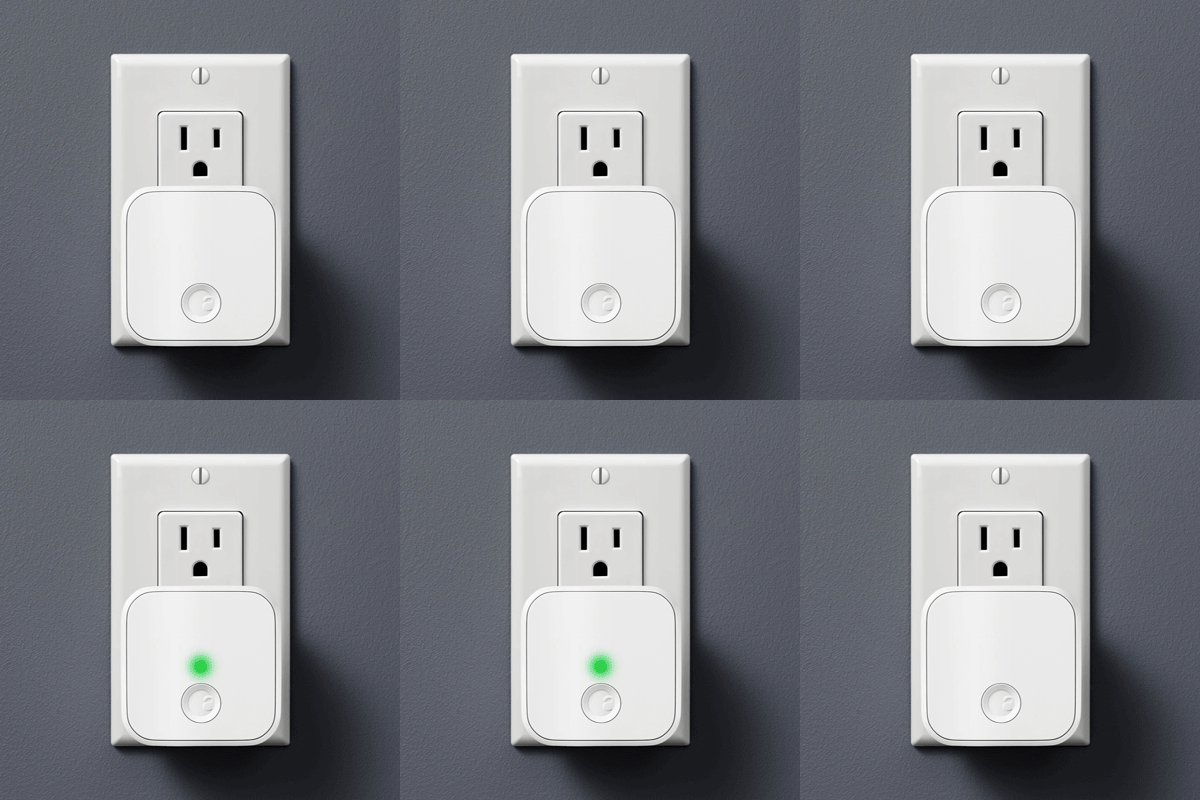
First, put the bridge in pairing mode. Plug the bridge in and wait for the flashing green light. If you don’t see the flashing green light press and hold the button on your bridge for 5 seconds.
API Registration#
Next, register the bridge with the API.
Note
Your API key must have the bridgemgmt scope to call this endpoint. Send an email to devsupport@august.com if you are unsure that your API key has that scope.
Request#
POST /bridges

{
  "mfgBridgeID": "the bridge's serial number",
  "LockID": "the lock to be associated with the bridge",
}
Response#
{
  "bridgeID": "the bridge's unique ID",
  "bridgeAuthToken": "the bridge's auth token",
  "wifiMacAddress": "the bridge's Wi-Fi MAC address",
  "bridgeWifiKey": "the bridge's Wi-Fi encryption key",
}
Save the bridgeWifiKey for the Wi-Fi provisioning process.
Wi-Fi Provisioning#
At this point, the bridge will present a Wi-Fi AP with the SSID Connect-<serial number>-WAC. Older firmware versions present the SSID August Connect-<serial number>-WAC.
To send Wi-Fi credentials to the bridge, join the AP and send an HTTP PUT to http://192.168.10.1/secure/network.
Put the actual Wi-Fi credentials in the request body. Start with a JSON object.
{
  “ssid”:”[SSID to join]”,
  “key”:”[secret key to SSID]”
}
Then encrypt the JSON object using AES-128-CBC and the bridgeWifiKey from the response to registering the bridge.
- If the message is successfully decrypted and JSON-decoded, the bridge responds with a 200 OK.
- If the message is received but there is a JSON-encoding error, the bridge responds with a 200 and a message describing the error.
- If there is an error internal to the operation of the bridge, the bridge responds with a 500 error.
Note that there is no error or success message returned indicating whether the new Wi-Fi network has been joined. Wi-Fi provisioning success may be determined by confirming that the bridge has been able to contact August servers.
Reference Implementation#
A bash implementation of Wi-Fi provisioning can be found here.